Starter
Printable SOP & Shift Checklist Pack
$6 one-time
Best for: Clipboard checklists and one-page SOP drafts.
- One-page step-and-threshold SOP sheet
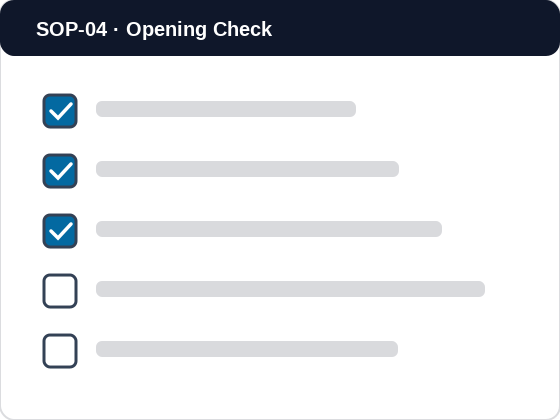
- Opening & closing shift checklist
- Pre-handoff testing checklist
Index every business SOP with automatic review flags, track staff training sign-offs and keep one-page checklists ready on clipboards.
Start with daily or weekly tasks.
Clear verbs and exact thresholds.
Catch stale SOPs before errors happen.
Printable one-page checklists, the SOP tracker workbook, or the operations kit.
Starter
$6 one-time
Best for: Clipboard checklists and one-page SOP drafts.
Pro
$13 one-time
Best for: Managing an SOP index and team sign-offs.
Complete
$16 one-time
Best for: Manage the library in Excel, post checklists on site.
PayPal, card (via PayPal) or Bitcoin · instant download link by email · 30-day fix-or-refund
One new small-team SOP template, handover checklist, or onboarding pack delivered each month. First drop built: New-Hire First-Week Onboarding SOP & Sign-Off (PDF).
Nothing you type leaves your device.
How many hours a year a documented checklist saves, and how quickly writing the SOP pays back the prep time.
Open calculator →
Estimate total reading and shadowing hours needed to train each new starter across your SOP library.
Open calculator →
Generated from the real SOP Library & Staff Training Tracker Workbook.
Setting · Value
Total SOPs listed · Active SOPs · Active SOPs due for review · Training sign-offs recorded
SOP ID · Process title · Area · Owner · Status · Last reviewed
Nobody reads paragraphs mid-shift when a 10-step checklist would work.
One software update makes a procedure wrong, and staff stop trusting all of them.
Assuming someone 'saw it once' leads to repeated mistakes.
No. An indexed spreadsheet plus shared one-page PDFs or docs works with zero monthly per-seat fees.
Yes. Change the review-cycle setting from 180 days to 90 or 365 days and flags update automatically.
Yes. Even solo owners save time on infrequent monthly tasks like month-end close or backups.
PayPal, or a debit/credit card through PayPal's checkout where PayPal offers guest checkout. You can also pay with Bitcoin (on-chain).
PayPal: a private download link is emailed to your PayPal address, usually within about 15 minutes. Bitcoin: email your order code to eclipsekingdom.support@gmail.com; the link follows one blockchain confirmation. Links stay valid for 30 days.
Email eclipsekingdom.support@gmail.com within 30 days and we'll fix it or refund you (PayPal refunds via PayPal; Bitcoin refunds in BTC for the USD value paid). See terms & refunds.
Prioritizing weekly bottlenecks, formatting checklists with clear thresholds, testing cold and scheduling 180-day reviews.
Read guide →
Finish on paypal.com. We email a private download link to your PayPal email once PayPal's payment notification reaches us, usually within about 15 minutes. Check spam too.
Send the exact BTC amount shown, then email the order code to eclipsekingdom.support@gmail.com. After one blockchain confirmation we reply with your private link.
Your private link works for 30 days. Lost it? Email eclipsekingdom.support@gmail.com and we'll resend it.